How does AI help a construction company, from quote to invoice?
Between the job site, the office and accounting, information takes too many detours before it becomes an invoice. Well-designed software and AI connected to your operations remove the retyping, from quote to invoice. Your team keeps the job site, the client and the decisions.

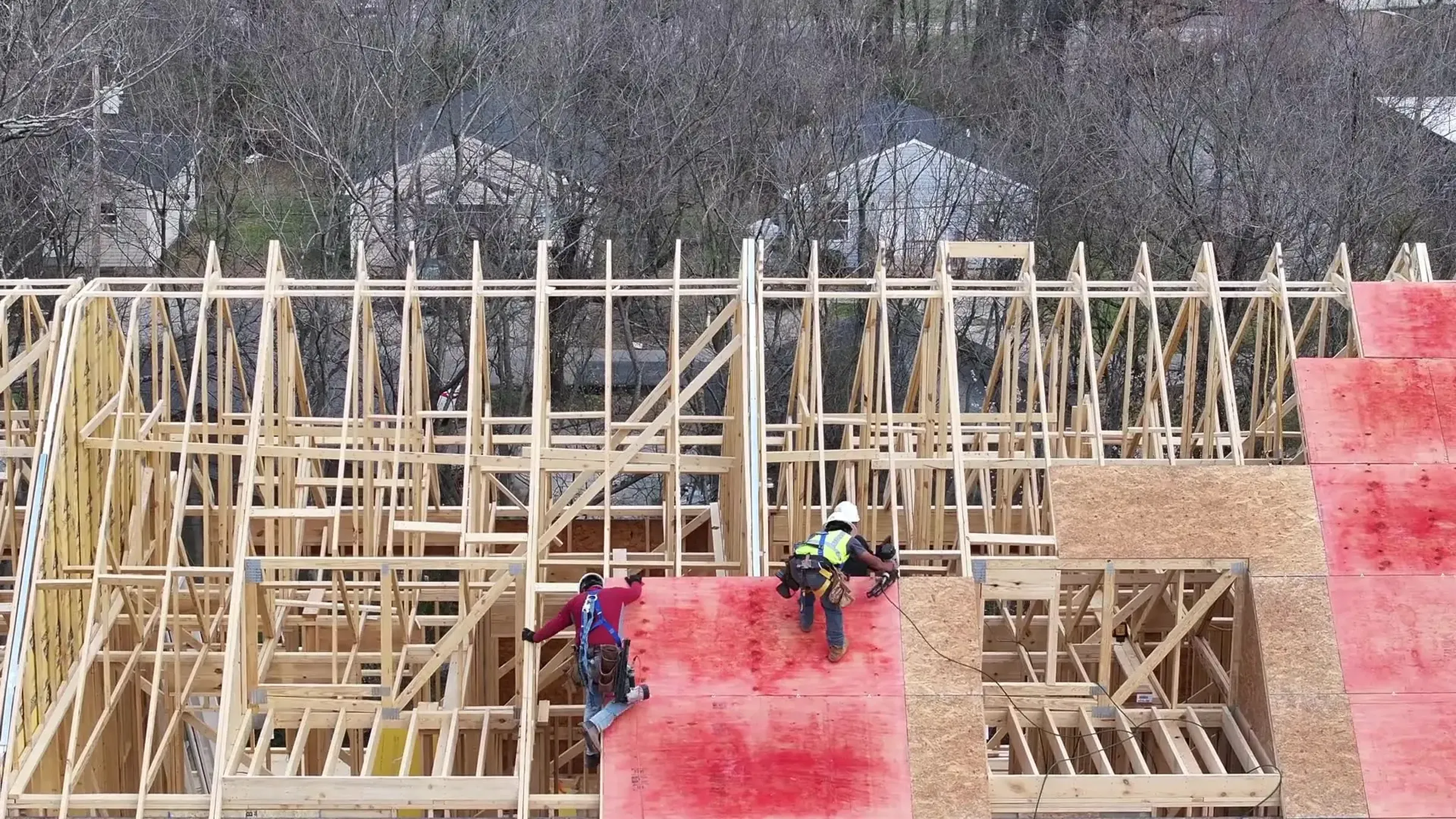
The job is done. The client is happy, the site is cleaned up, the crew has already moved on. And yet, the invoice hasn't gone out.
What's it waiting for? The work order left in the pickup. Friday's hours that the office still has to retype. The change order the client accepted by text, which nobody noted in the file. The project manager who'll deal with it tonight, after their emails.
Nobody is doing a bad job here. It's the road between the job site and the invoice that's too long.
In 2026, that road can get a lot shorter, without replacing all your software and without asking your crews to become computer pros. Here's what well-designed software and AI connected to your operations actually change, from quote to invoice.
Why does the invoice go out so long after the work is done?
Because information travels from the job site to the office by hand, and it stops at every step. A paper work order, hours jotted in a notebook, photos on the foreman's phone, a change order confirmed out loud: all of it has to be found, copied and checked before it becomes an invoice line.
Each stop is small. Added up, they keep your money waiting. And the further back the job, the more details are missing when it's time to invoice.
The real cost isn't just the delay. It's your project manager acting as the follow-up system instead of running their job sites.
How do you put a quote together faster without making mistakes?
By keeping your rates, price lists and assemblies in one place, up to date for the whole team, then letting AI do the counting. It's the request we get most often from contractors: the quote built in an Excel file copied from the last project, with prices that are no longer current.
AI reads the plans and the specifications, pulls out the quantities and puts them in the quote. It also flags what contradicts itself, for example specifications that call for 2 coats of paint when the plan shows 1. The estimator checks instead of counting, and keeps the decision on the price.
Once it's built, the same quote comes out in a client, budget or no-price version. Every quote has a status, follow-ups go out on their own and you finally see what you win, and why you lose.
from the plans
How do you bring hours and work orders back from the job site without retyping anything?
By entering them once, on the job site, on a phone. Your crew clocks in on arrival, picks the task and switches job sites in one tap. It even works in a basement with no signal: everything syncs when they're back in range.
The foreman approves the crew's hours in one go, and anything off stands out on its own: a missing day, a day that's too long, the wrong task. The daily report is filled in the same place, with photos filed under the right job site and the right date.
Then the approved hours go to payroll, to the time-and-materials invoice and to the job cost. Entered once, used everywhere.
One condition: filling it in has to be faster than paper. Otherwise nobody will do it, and rightly so. That's why we test with a foreman before rolling anything out.
the foreman
How do you stop forgetting a change order before invoicing?
By attaching every change order to the project as soon as it's approved, so it makes its own way to the invoice. A change order accepted over the phone and written down nowhere is work done for free.
Task-level budgets help too. The hours and materials planned in the quote follow the job all the way to the foreman's phone, without the dollar amounts if you prefer. Clocked hours and purchases are added to the actuals every day.
When a task goes over the estimate, the project manager knows the same day, not 3 months after the invoice. They can act while there's still time: propose a change order to the client, add extra hands or talk it over with them.
Window installation is 7 h over the estimate.
Do you need to replace your job site software or your accounting?
Not necessarily. We always start from what you already use, and often, connecting your tools is enough. The problem isn't always that your software is bad. It's that each one works in its own corner.
In practice, a project created in your job site software shows up on its own in QuickBooks or Acomba, with the right client and the right codes. Supplier invoices are read by AI and filed under the right project. The 2 systems compare themselves, and anything that doesn't balance comes up, with the reason.
Sometimes a piece of software can't keep up or won't connect to anything. In that case, we tell you straight, and we help you choose what comes next, off-the-shelf or custom.
What does AI actually do in a construction company?
It handles the handoffs: it reads, sorts, prepares and flags. A project manager's inbox, for example, gets invoices, change orders and subcontractor quotes every day. AI recognizes them and files them under the right project.
What we build can also connect to the assistant your team already uses, like Claude, ChatGPT, Copilot or Gemini. The project manager asks a question or requests an action without switching tools. The answer comes from your real data, with its sources, and the assistant only sees what that person is allowed to see.
What doesn't change: AI prepares, a person reviews and approves. It doesn't replace your people. It takes away the steps that use their time without using their judgment.
Examples
- Sorting the invoices, change orders and subcontractor quotes that come in by email
- Pulling quantities from the plans and specifications, and flagging what contradicts itself
- Summarizing the week's job site reports for the client, to review before sending
- Answering “Where is the budget on this job?” from your real data


2 approved change orders haven't been invoiced yet: the patio door (AC-03) and 2 extra outlets in the basement (AC-04). All of this week's hours are approved. Should I prepare a draft invoice?
Where to start in 2026?
With the paperwork that piles up the most at your company. Not with a big project that touches everything. For many contractors, it's the quote. For others, it's Friday's timesheets or the invoices that need retyping.
Good news: it goes much faster than before. With AI, a prototype takes a few days instead of a few months, and a simple app costs from $5,000. We covered the question in How much does custom software cost? AI speeds things up, engineering keeps the software solid: security, the link with your systems and someone who's accountable for it.
To start small, the AI integration day happens at your place: we train your team and set up 2 automations. And to see each module in detail, from quotes to accounting, the Software and AI for construction companies page shows what we build, paper by paper.
Frequently asked questions.
Will AI replace my employees?
No. AI reads, sorts, prepares and flags what's missing. Your team decides, approves and takes care of clients. The goal is to remove retyping and follow-ups, not people.
Do we need to replace our current software to use AI in construction?
Not necessarily. Often, connecting your job site software to your accounting, like QuickBooks or Acomba, is enough. If a piece of software can't keep up or won't connect to anything, we tell you straight and help you choose what comes next.
Can AI pull quantities from plans for a quote?
Yes. It reads the plans and the specifications, pulls out the quantities and puts them in the quote, then flags what contradicts itself. The estimator checks the result and keeps the decision on prices.
Does it work on the job site, with no signal?
Yes. The field tools work on a phone, even offline. Hours, daily reports and photos sync as soon as the phone is back in range.
We already tried software and the team didn't use it. Why would this be different?
Because we start from the job site. If filling it in takes longer than paper, nobody will do it. We test with a foreman before rolling out, and we adjust until it's simpler than the old way.
How much does software for a construction company cost?
It depends on what it needs to do. With the help of AI, a simple app costs from $5,000, and a prototype takes a few days instead of a few months. A system that connects quotes, the job site and accounting takes more work.
The next time a job wraps up, look at the road the invoice travels.
Every time someone retypes information that already exists, there's a handoff that AI and well-connected software can take over. Your team keeps the job site, the client and the decisions.
Read next
 How do you avoid stockouts in a manufacturing SMB?
 How do you reach every member of your local?
 Where do your firm's billable hours go?
An idea in mind?
Let’s chat!