How do you avoid stockouts in a manufacturing SMB?
The material runs out the day the order has to ship, even though the information existed: in an email, an Excel file or someone's head. Here's what well-designed software and AI built into your operations change for orders, stock and demand forecasting. And what stays with people.

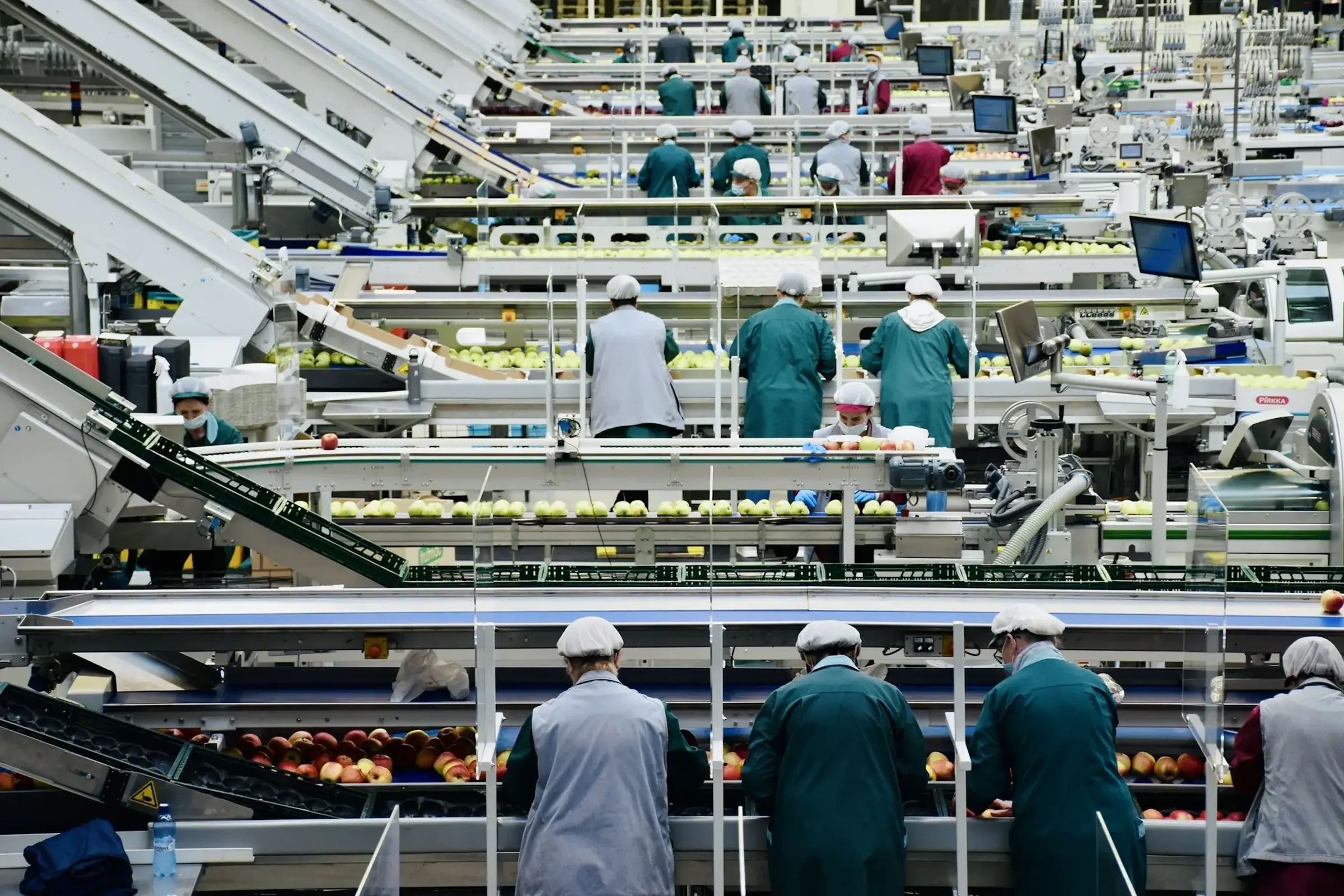
Tuesday morning. Your production lead realizes there isn't enough sheet metal for an order that has to ship Thursday. Purchasing calls the supplier: the lead time is a week. Someone is going to have to call the customer.
The worst part is that the information existed. The order came in by email 2 weeks ago. The stock was noted in the shop floor Excel file. The reorder point was in the head of the person in purchasing, who's on vacation.
Nobody made a mistake. It's the process that asks people to connect information that lives in 4 different places.
Here's what well-designed software and AI built into your operations actually change, from the order to demand forecasting.
Why do you run out of stock when the information exists?
Because it's scattered. Orders come in by email, stock lives in an Excel file, receipts are noted on paper and reorder points are in someone's head. To know whether you're going to run out of something, you have to connect it all by hand.
As long as the right person is there and has the time, it holds. The day they're on vacation, on leave or simply swamped, the stockout arrives without warning.
And a stockout costs more than the missing material: a rush shipment, a line that waits, a customer you have to call to push back a date. Those costs don't show up in any report, but your team knows them by heart.
Your tools aren't to blame. Each one holds its share of the information, and nobody is in charge of bringing it all together.
How do you get email orders into the system without retyping them?
By letting AI read the email or the attached PDF purchase order, then create the order in your software with the right codes. Anything missing or doubtful is flagged to a person before production.
AI tells an order apart from a price request, a supplier delay or a simple question. It pulls out the products, the quantities, the due date and the delivery address.
Doubtful orders aren't entered silently. They go to the right person, with what's wrong and the question already written for the customer.
For the person who used to receive those emails, the day changes too: they no longer retype, they check what's out of the ordinary. And it changes more than data entry time. An order that enters the system the same morning is an order whose material needs are known the same morning.
Hello, please send us 120 S-40 brackets, black paint, for December 4. Thanks!
How do you know what's really left in stock?
By recording each movement where it happens, when it happens. Stock becomes up-to-date data, not a file you correct at the end of the month.
At receiving, you scan what arrives on a tablet: the stock is up to date before the pallet is put away. On the floor, the material used is tied to the work order. The shared Excel file becomes a live inventory, with locations.
You don't need to change everything to get there. We can keep your current codes and locations, and data entry can happen offline when the warehouse Wi-Fi acts up.
Examples
- Receiving scanned at the door, on a tablet
- Material used tied to the work order
- An alert when a material drops below its reorder point
- The barcodes and locations you already use
How does AI help forecast demand?
It starts from your data: order history, orders already confirmed and your customers' seasons. It estimates what you'll need in the coming weeks, then compares that need with your stock and your suppliers' lead times.
The result isn't a crystal ball. It's a date: "at this rate, 16-gauge sheet drops below its reorder point around the 12th". Early enough to order normally instead of in a rush.
A forecast is only as good as your data. If orders are retyped by hand or stock is corrected once a month, start there. That's why orders and inventory come before forecasting.
And it doesn't know everything. A new customer, a quote you're about to win, a supplier announcing a delay over the phone: your team knows things the data doesn't say yet. They're the ones who adjust.
Who decides to order: AI or purchasing?
Purchasing. AI prepares the suggested supplier order, with the reason behind each line. A person checks, adjusts and sends it.
It's the same rule everywhere: AI handles the handoffs, people make the important decisions. An order commits money and a relationship with a supplier. It deserves a human.
What changes is the job of the person in purchasing. They no longer spend the morning counting and cross-checking. They start from an order that's already prepared and keep their time for what requires judgment: negotiating a lead time, choosing another supplier, combining 2 orders.
Do you need to replace your ERP or your in-house software?
Not necessarily, and never all at once. Most of the time, we connect what you already have and modernize piece by piece. Your data and your ways of working come along.
A neighbouring example, in agriculture: at Agrocentre Lanaudière, fertilizer orders were done on paper and passed from hand to hand between the service counter and the people filling them. The app we built imports orders automatically from the in-house software, connects to the Microsoft Dynamics CRM already in place and tracks each order in real time, from the counter to delivery. The result: better communication, software that talks to each other and fewer delivery errors. The details are in the Agrocentre case study.
If your in-house software is really holding you back, we'll tell you straight. And the day it has to be replaced, the switchover is prepared so the floor doesn't stop.
Where should a manufacturing SMB start?
With the sheet on the board that costs you the most. Often, it's the orders that come in by email or the inventory kept in Excel: they feed everything else, forecasting included. Once orders and stock are reliable, forecasting becomes the logical next step, not a separate project.
Pick a single process and measure what it costs today in time and errors. Then start small, with a person who approves. A prototype now takes a few days instead of a few months, and a simple app, built with the help of AI, costs from $5,000. AI speeds things up. Engineering keeps the software solid, and a tool connected to your floor has to hold up while the plant is running.
To put a number on a manual task, see 5 steps to automate an SMB's processes. To see what manufacturers ask us for most, from email orders to production tracking, visit our manufacturing page.
Frequently asked questions.
Do you need a lot of data to forecast demand with AI?
Mostly, you need reliable data. A well-entered order history and up-to-date stock are worth more than a mountain of files corrected by hand. That's why we often start with orders and inventory, before forecasting.
Can AI order from suppliers on its own?
It can prepare the order, with the reason behind each line. In what we build, a person in purchasing checks, adjusts and sends it. An order commits money and a relationship with a supplier: it deserves a human.
Do we need to replace our ERP or our in-house software?
Not necessarily, and never all at once. We start from the floor, modernize piece by piece and your data comes along. Sometimes, connecting what you have is enough. If a piece of software is really holding you back, we'll tell you straight.
Does it work on the shop floor and in the warehouse?
Yes. We design for the floor: big buttons, barcodes, tablets and screens you can read from a distance. We can keep your current codes and locations, and data entry can happen offline when the warehouse Wi-Fi is weak.
What if AI makes a mistake reading an order?
Doubtful orders aren't entered silently: they're flagged to a person, with what's wrong. The rules are set with you, for example what AI can enter on its own and what needs approval.
A stockout rarely starts in the warehouse. It starts with an email retyped too late or a file nobody updated.
Connect the order, the stock and purchasing. The next stockout will be visible while there's still time to avoid it.
Read next
 How do you reach every member of your local?
 Where do your firm's billable hours go?
 Property management: how does AI help keep track of tenant requests?
An idea in mind?
Let’s chat!